 Space on Hold
Door codes and access notes
Each space has one field for this, called Access notes. Put your door code there, since there's no separate door-code box. The desk says: "Guests get access notes 24 hours before their booking, if they booked at least that far ahead, or right away if they book later. Access notes never show on the public page."
| When they booked | What they get |
|---|---|
| 24 hours or more ahead | Access notes 24 hours before the booking, once it is confirmed. |
| Later than that | Access notes right away, once the booking is confirmed. |
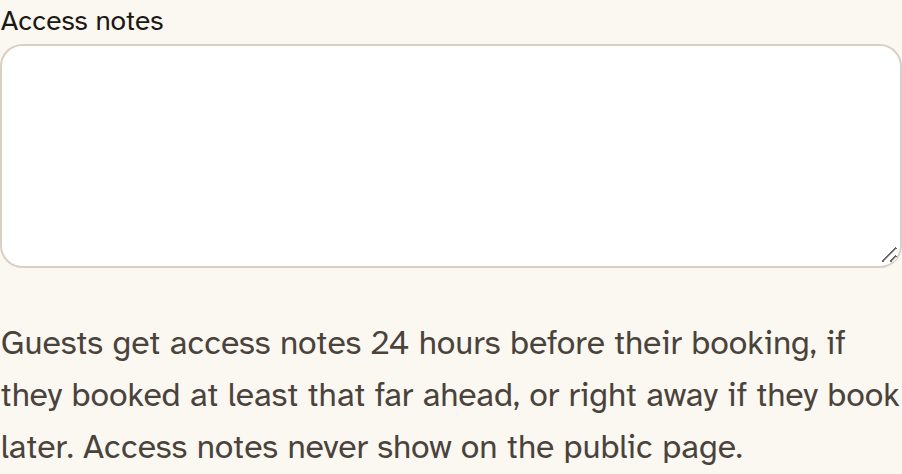
Put your door code there. There's no separate door-code box.
Access notes never show on the public page, and the private calendar link for a space doesn't include them. Reminder emails (the visit reminder and the balance-due email) can fill in the guest's first name, the space, the date and time, the balance and the booking link, but never door codes or access notes. Anything else you type in a reminder stays as you typed it.
A confirmed guest sees the notes on their booking page only during the 24 hours before the start, until the visit ends. In that same window, they get an email titled "How to get into" and the space name, with the notes and a link to the visit page. If they booked with less than 24 hours to go, the notes come in their booking email right away.
If the space withholds access until a damage hold is placed, and the booking is long enough for that hold, the notes stay hidden until a damage-hold card authorization is placed or captured. If card pay is off, the visit page says "Card pay isn't on for this space yet, so the hold can't be placed."
One space $59/mo · A few spaces $99/mo · The property $149/mo. 0% commission. 15% off with yearly billing. 30-day free trial, no card needed.
Founder offer: 35% off monthly billing for as long as you stay subscribed. 50 spots, claimed at your first monthly payment, open until Dec 15, 2026, or until all 50 are taken. Not available on yearly billing. See offer details
The page
Send people a page they can book on.
Start the 30-day trial, put in your hours and your rates, and send them the page. Use the address you picked, or a domain you already own.