 Space on Hold
Required files and house rules
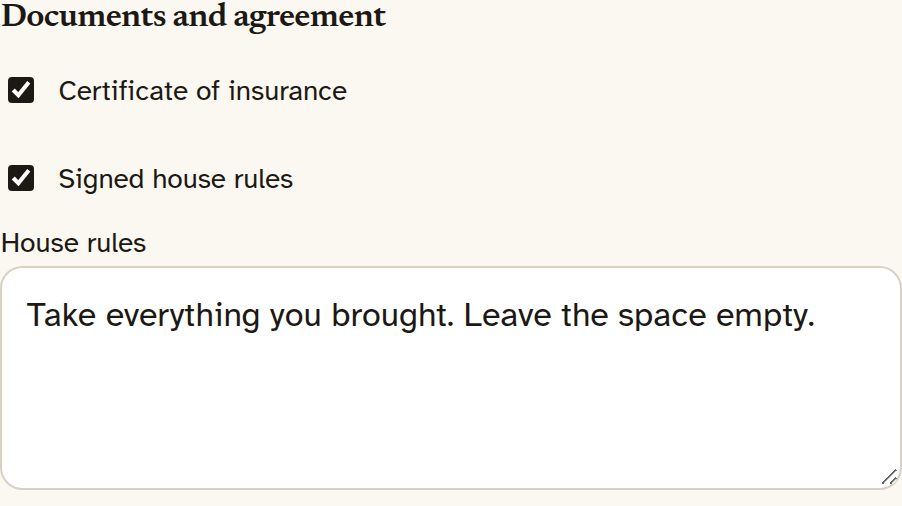
Each space can require a certificate of insurance, house rules, or both. House rules are the text you save on the space. The guest signs them on the booking page by typing their legal name and checking a box that says they agree to the house rules and the Space on Hold guest terms. The button is "Sign the house rules." Afterward the page shows "Signed by" and their name. If the name is missing or the box isn't checked, they see "Type your legal name and agree to the house rules."
The certificate is uploaded on the same page, which says "Upload only your certificate of insurance for this booking. The space owner and their team can see it." It must be a PDF, JPEG or PNG, no larger than 10 MB. Other file types get "Send a PDF, JPEG, or PNG." Larger files get "That file is larger than 10 MB." You and your team download it from the desk. The desk notes that guest files aren't scanned for viruses or malware, so scan them before you open them.
The desk also says: "This file is deleted automatically 6 months after the booking ends, or within 30 days after your subscription ends, whichever comes first. If the booking is part of an open dispute, we keep the file until the dispute is resolved. Download a copy if you need to keep it."
A booking is confirmed once the deposit and every required file or signature are in. If you didn't require either, the deposit is enough. The rest of the deposit rule is on Deposits and balances.
One space $59/mo · A few spaces $99/mo · The property $149/mo. 0% commission. 15% off with yearly billing. 30-day free trial, no card needed.
Founder offer: 35% off monthly billing for as long as you stay subscribed. 50 spots, claimed at your first monthly payment, open until Dec 15, 2026, or until all 50 are taken. Not available on yearly billing. See offer details
The page
Send people a page they can book on.
Start the 30-day trial, put in your hours and your rates, and send them the page. Use the address you picked, or a domain you already own.